Console screens
A tour of the Custos operator console (the admin companion app). Every image here is generated automatically from the app’s own browser test harness across named scenarios, including a degraded relay, so the pictures track the real UI and cannot quietly drift.
Home — mint a claim code
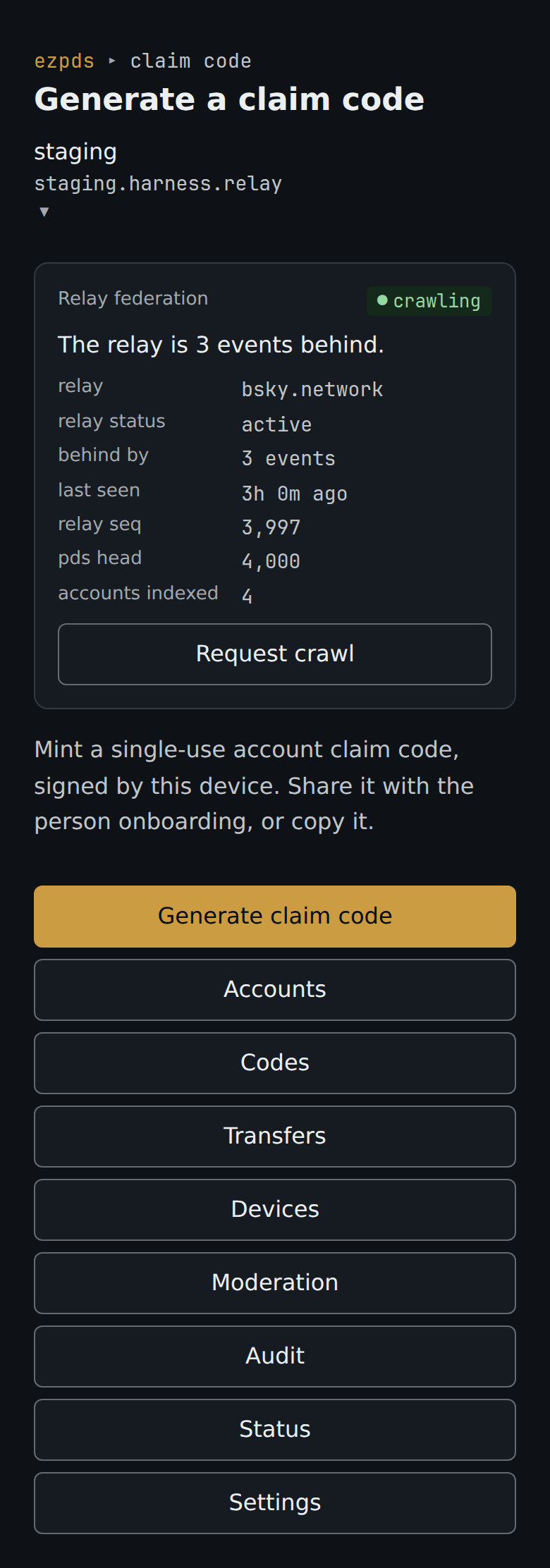
Section titled “Home — mint a claim code”The console opens on the active relay, ready to mint a single-use, device-signed account claim code. A Relay federation block up top reports whether the upstream relay is actually crawling this server (status, exact events behind, last seen) with a Request crawl re-invite (see Is the upstream relay seeing you?).
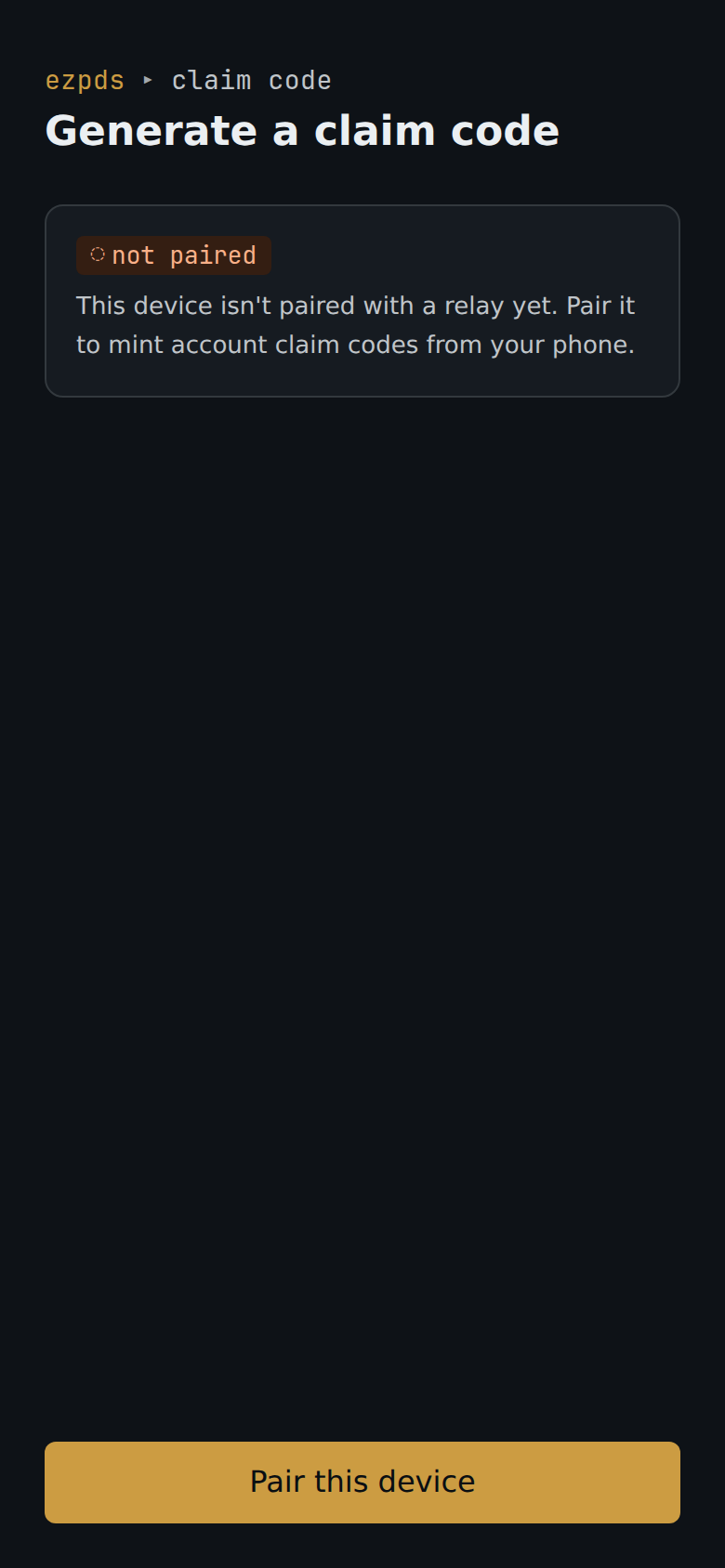
Before any relay is paired, the console asks you to pair this operator device.
Pairing
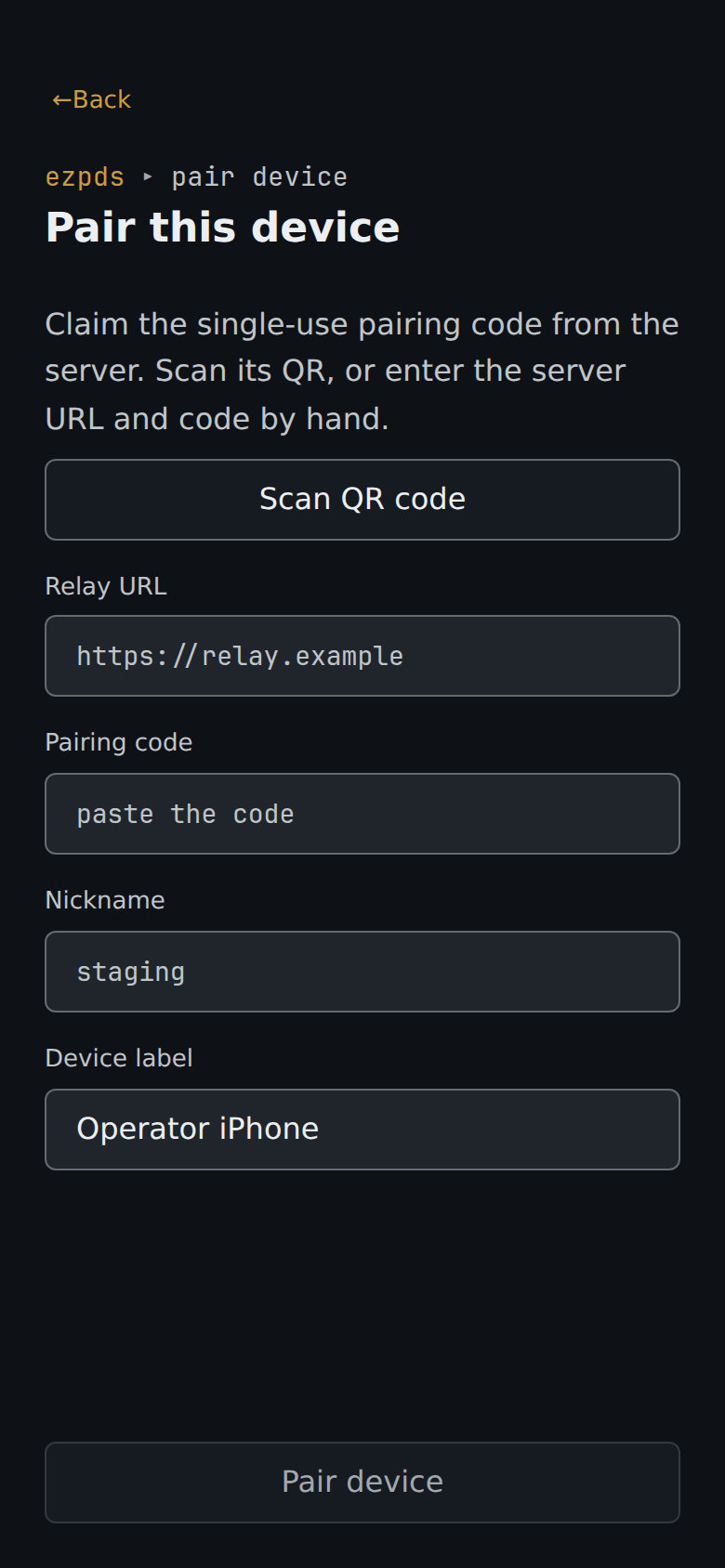
Section titled “Pairing”Pair a device with a relay by QR or manual entry.
Accounts
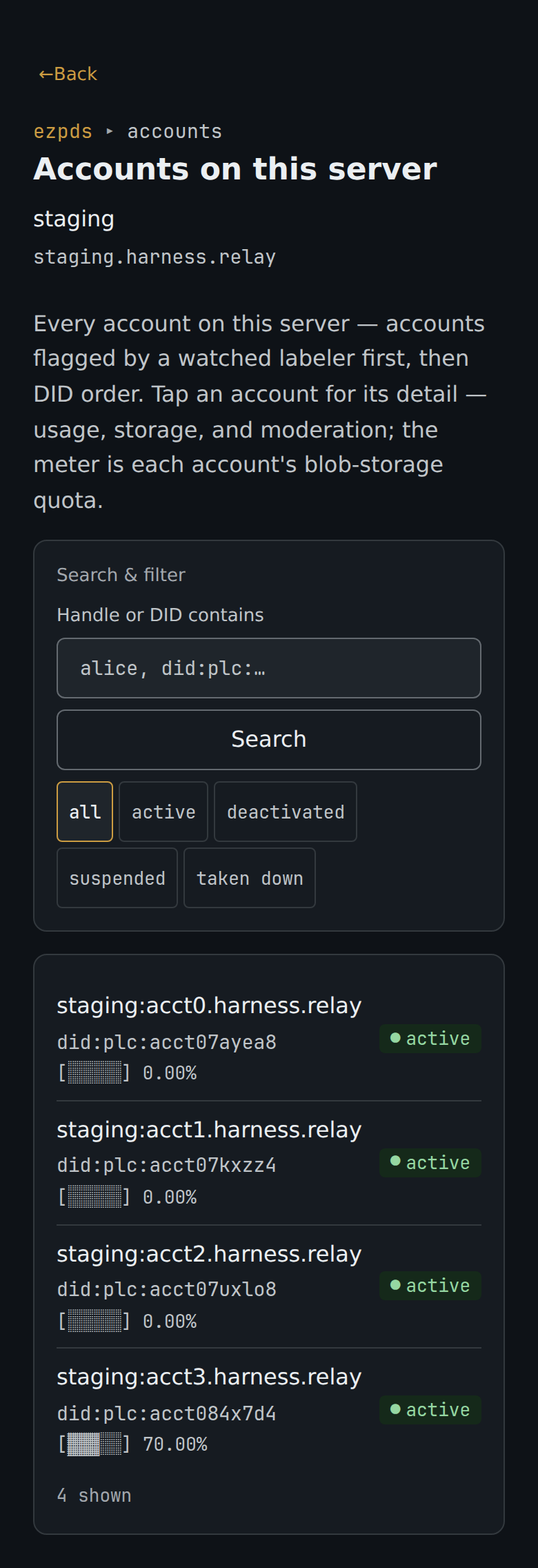
Section titled “Accounts”Every account on one relay, searchable by handle or DID, with a per-row blob-quota readout.
Claim codes
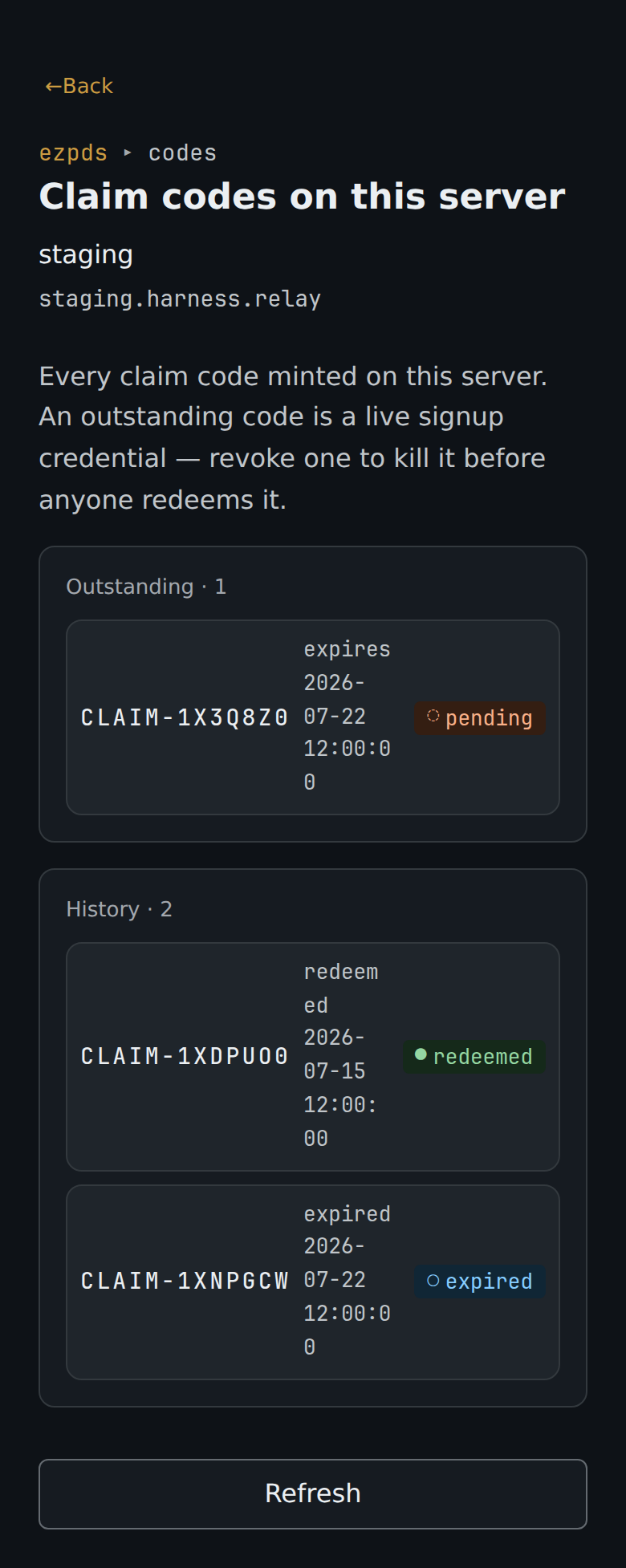
Section titled “Claim codes”The claim-code inventory splits live credentials from terminal history.
Devices
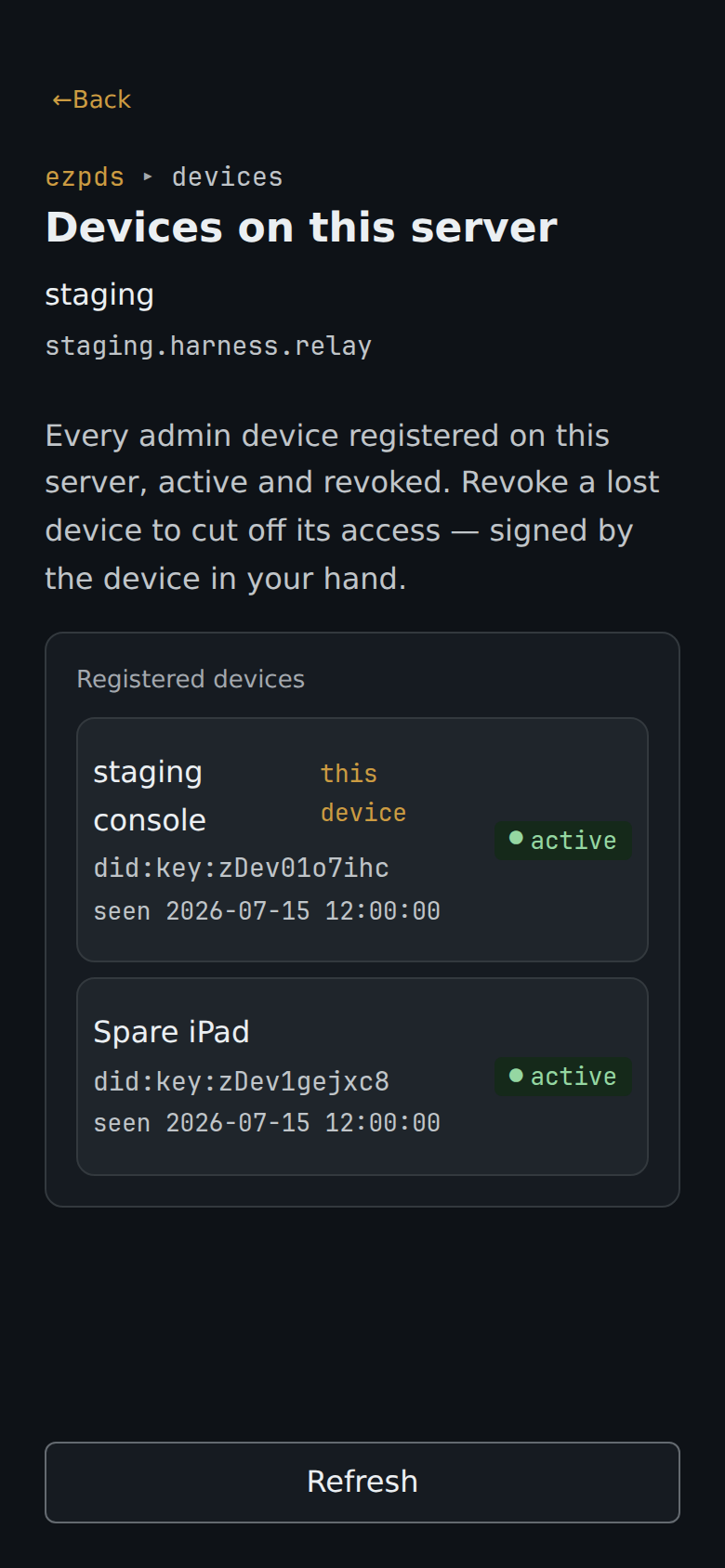
Section titled “Devices”Every admin device registered on one relay — active and revoked — with a remote revoke for a lost device.
Moderation
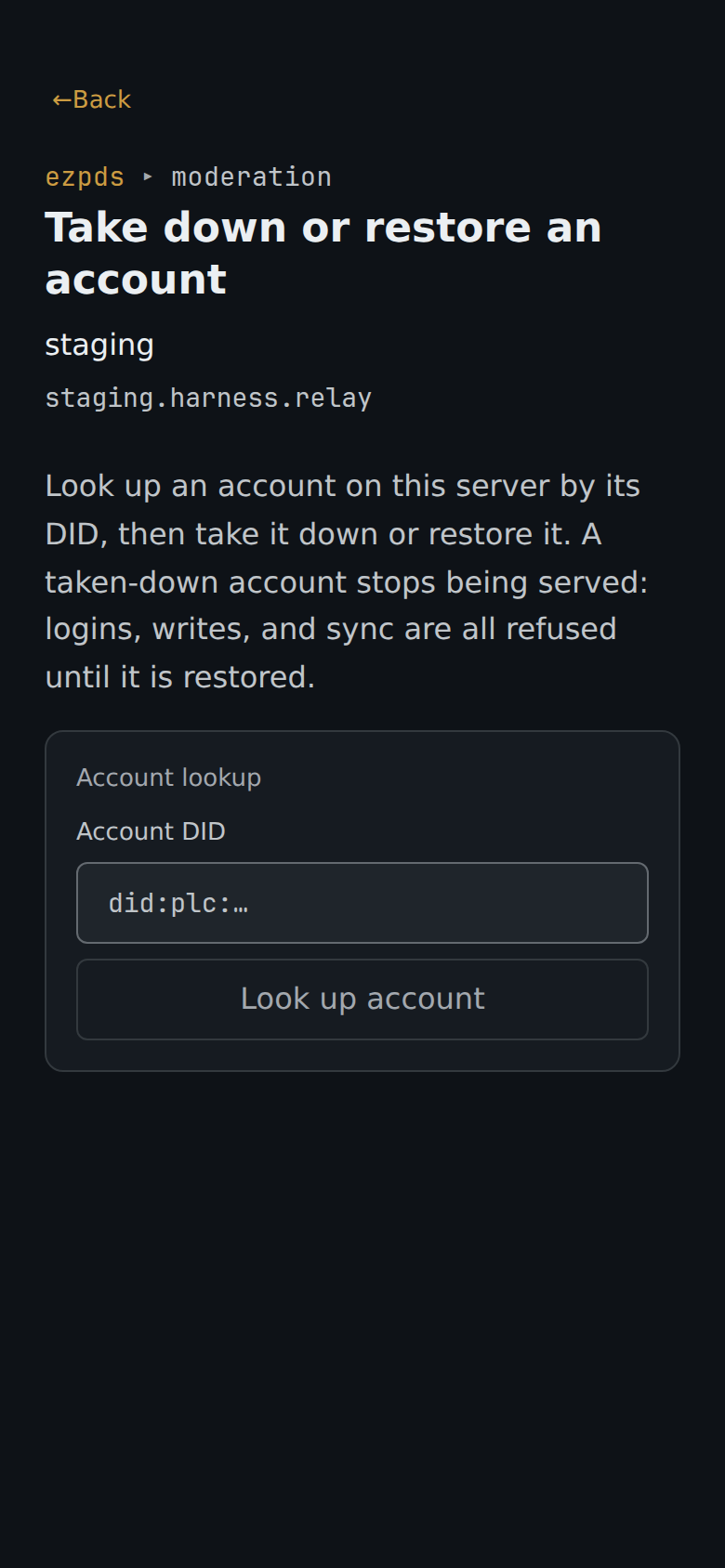
Section titled “Moderation”Account takedown and restore, then credential revocation — each an armed, biometric-gated destructive action.
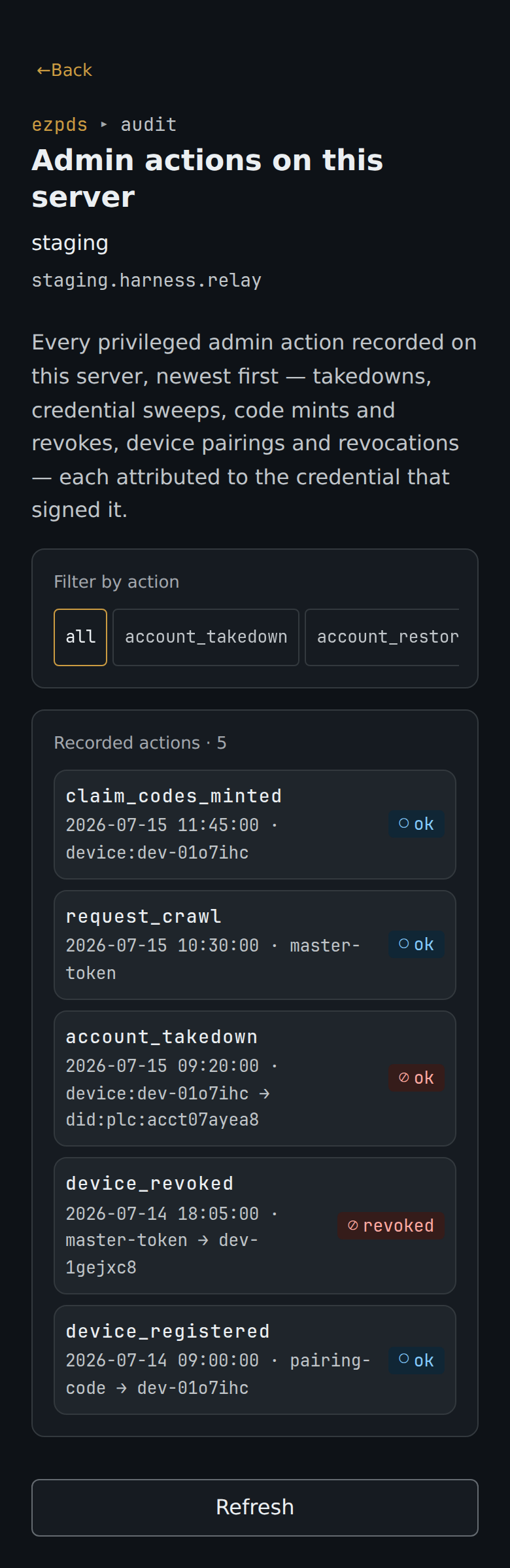
Audit log
Section titled “Audit log”Every privileged operator action (takedowns, credential sweeps, code mints and revokes, device pairings and revocations, transfer cancels, account repairs, crawl requests) is durably recorded with the credential that signed it: the master token or the specific paired device. The Audit screen browses the trail reverse-chronologically, filterable by action, with per-event drill-in by actor or subject.
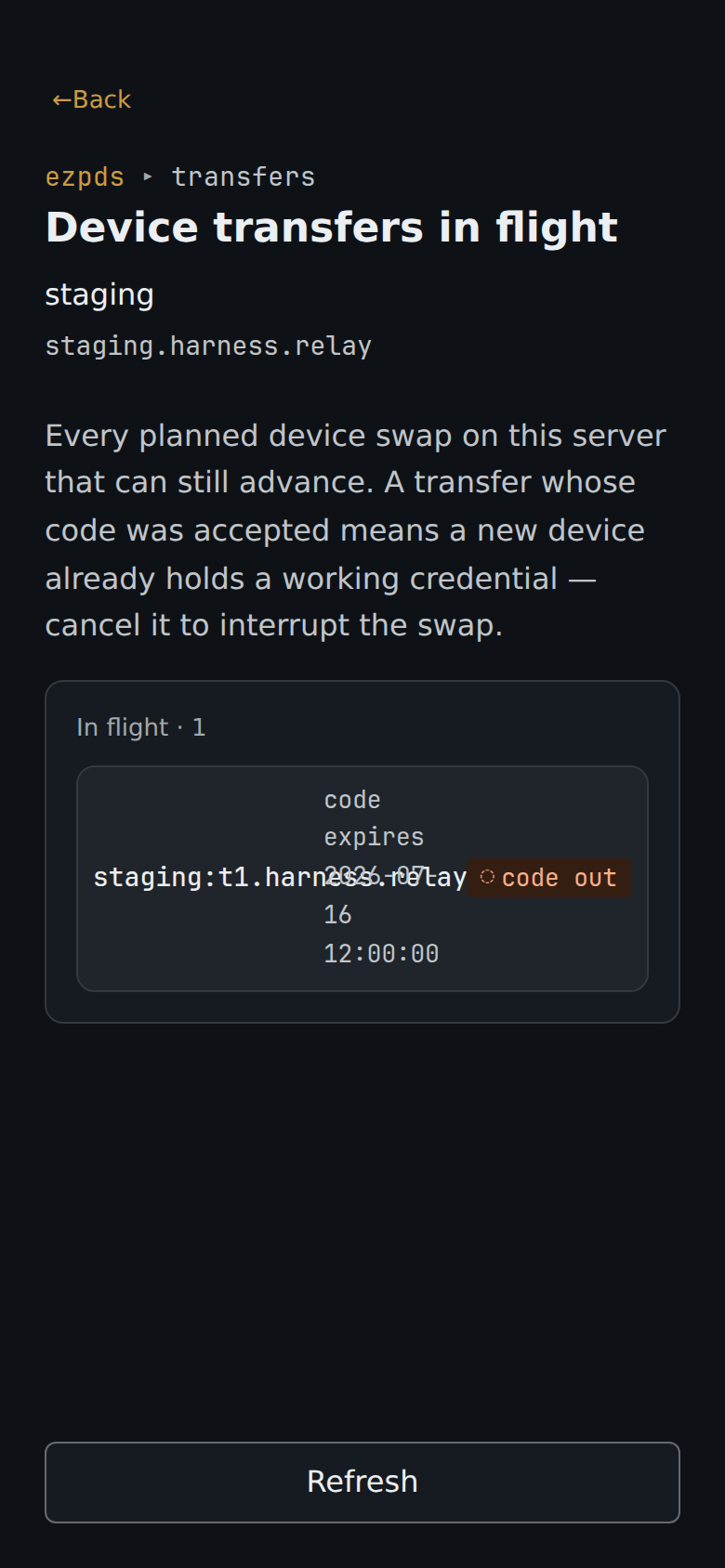
Transfers
Section titled “Transfers”In-flight device transfers an operator can watch and cancel.
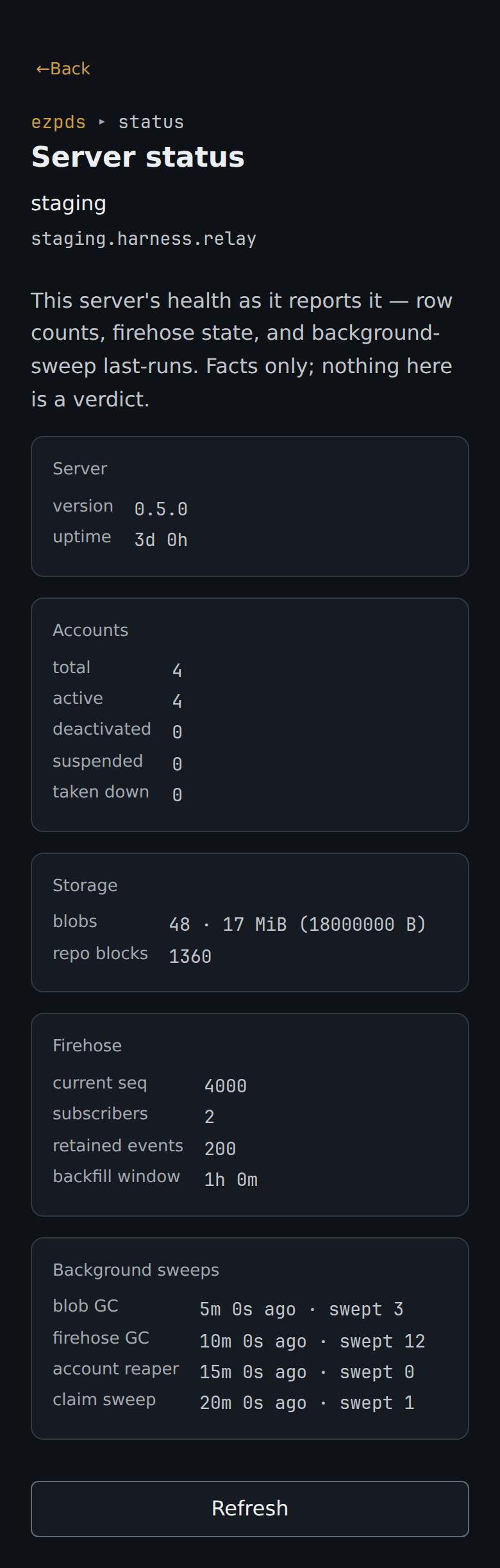
Server status
Section titled “Server status”One relay’s health as it reports it: version and uptime, account counts, blob and block totals, firehose state, and background-sweep last-runs. Facts only; nothing here is a verdict.
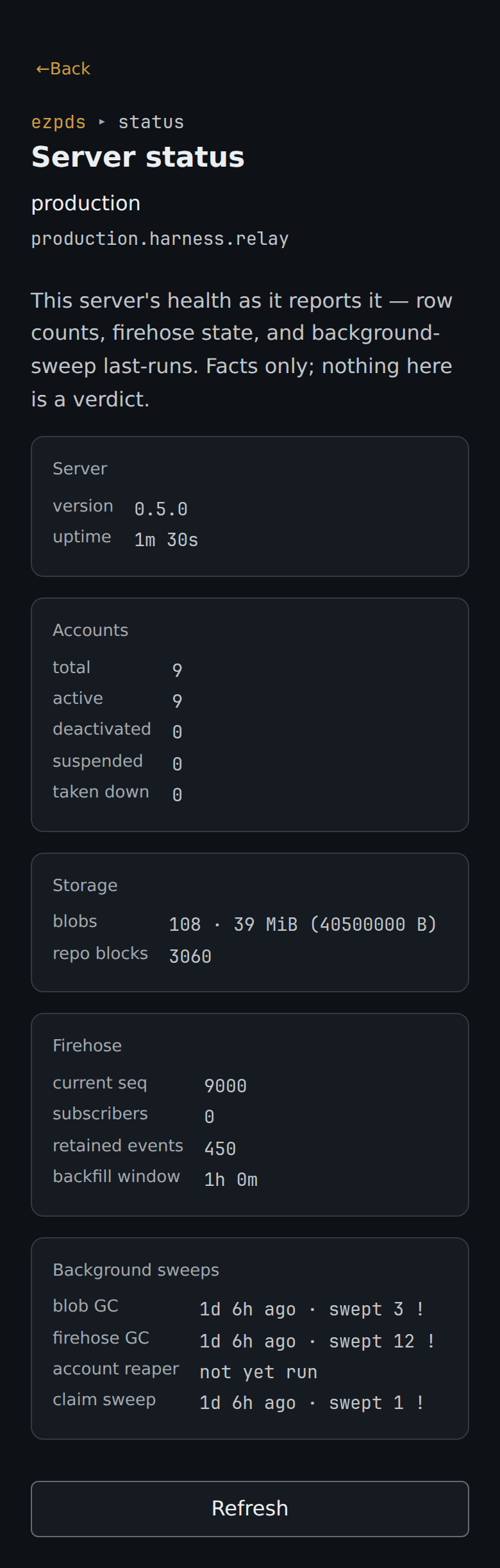
On a degraded relay, a troubled background sweep is flagged with a trailing ! glyph and a
named fault: stale when its passes have stopped completing (the sweep is dead), or
failed <n> when a pass ran but recorded n errors (for blob GC, an account whose
reconcile failed is skipped, so its blobs stay uncollected, and its disk unreclaimed,
until the fault is fixed). Naming each fault keeps the two
legible apart on a row that carries both; status is never signaled by color alone.
Settings
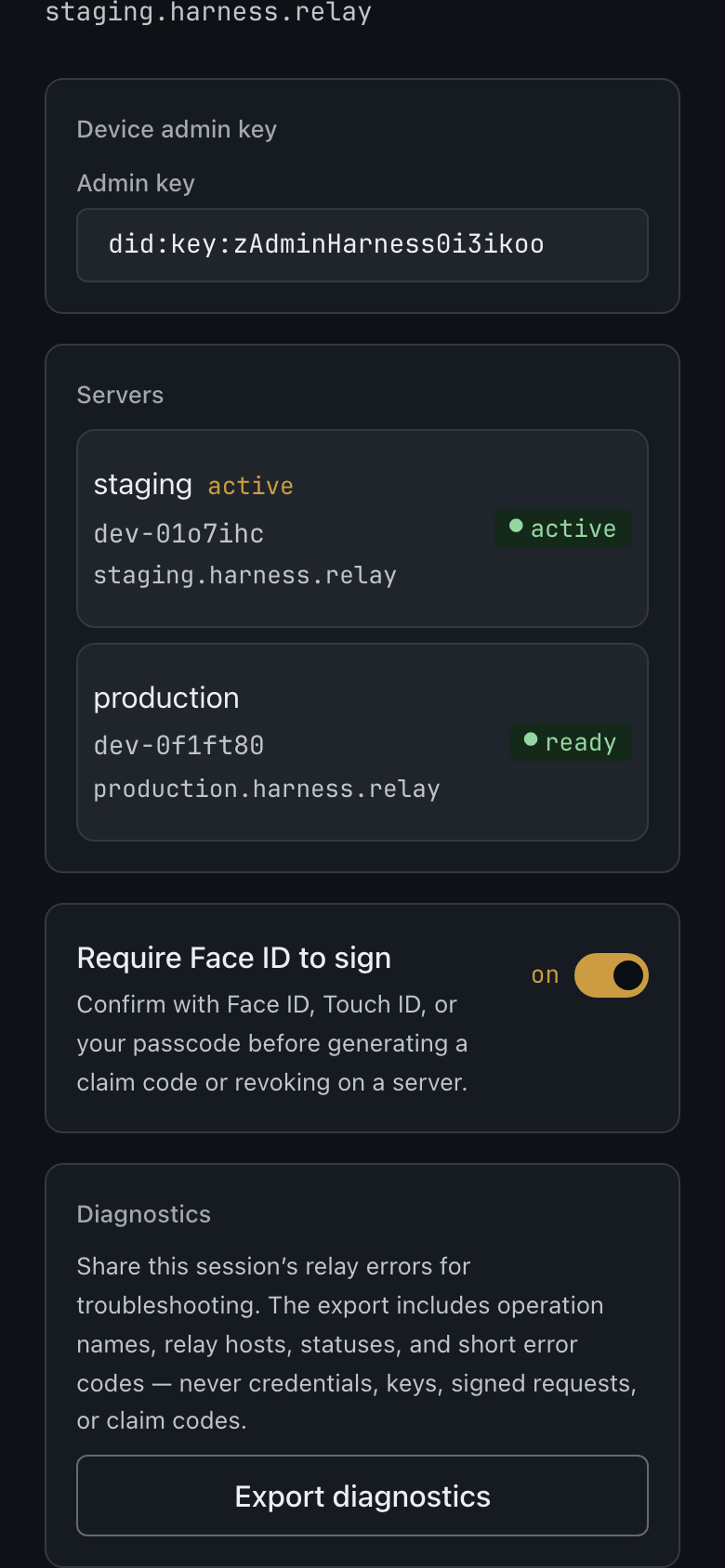
Section titled “Settings”Per-relay pairings, the global admin key, and the biometric toggle.
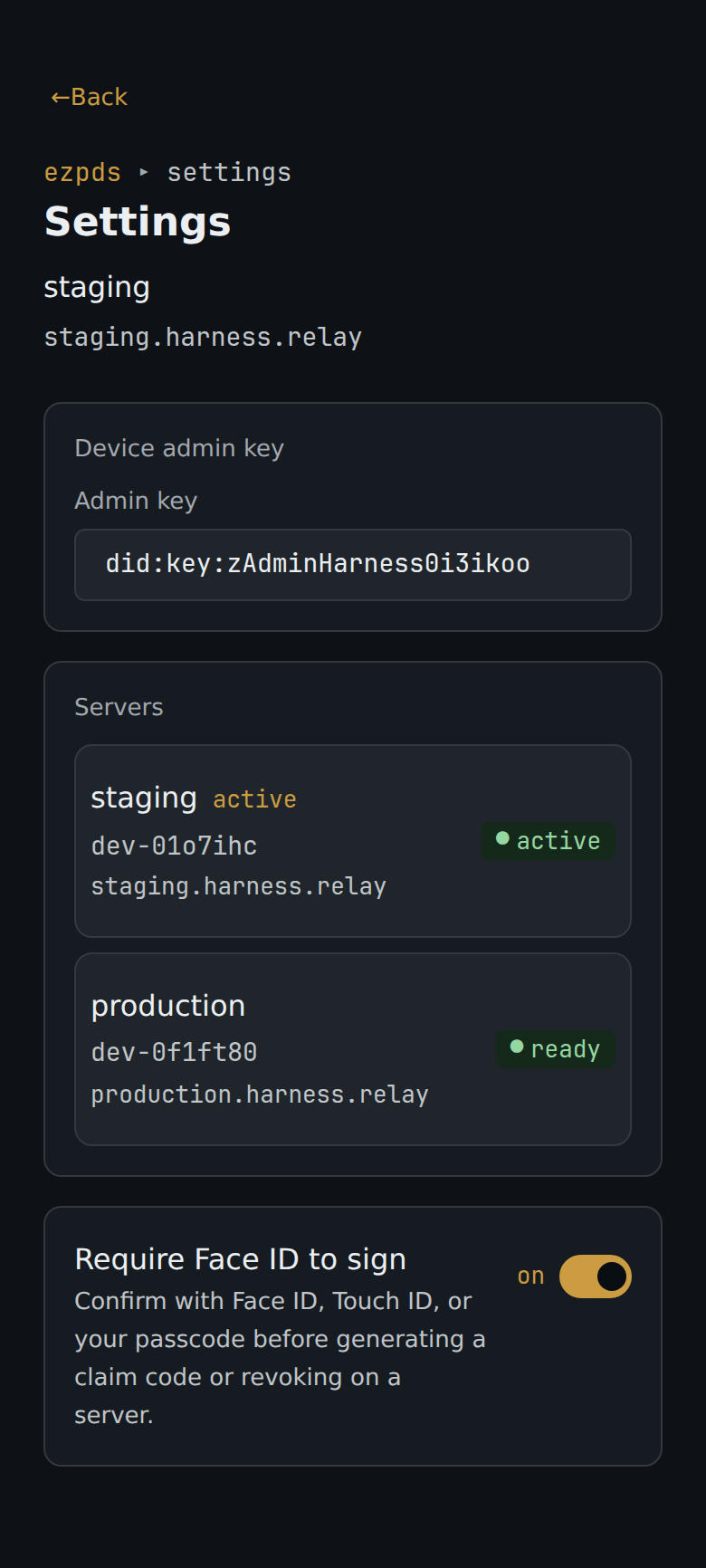
Further down, a Diagnostics section exports a redacted, per-relay network-error log for troubleshooting: operation names, relay hosts, statuses, and short error codes only, never credentials, keys, signed requests, or claim codes.