Tamper monitoring & recovery
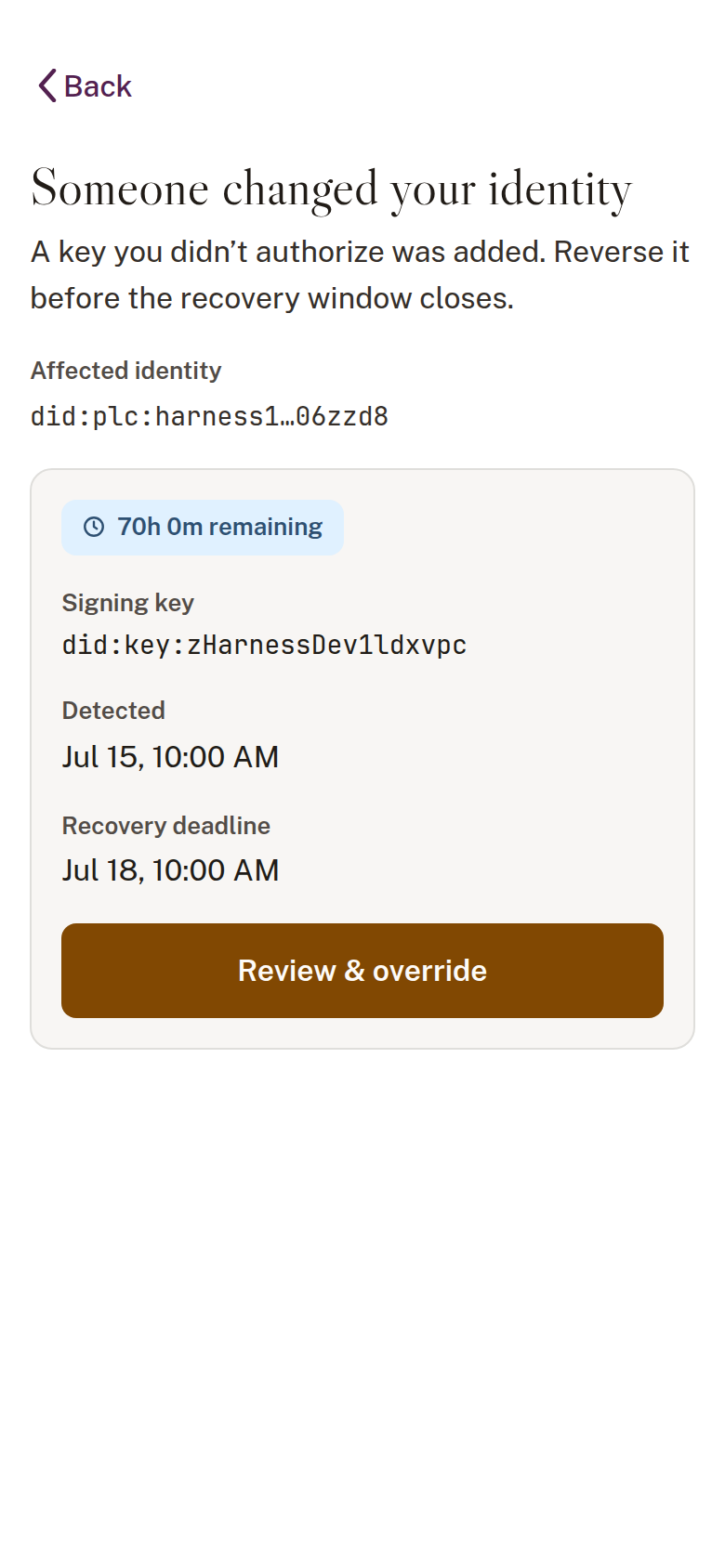
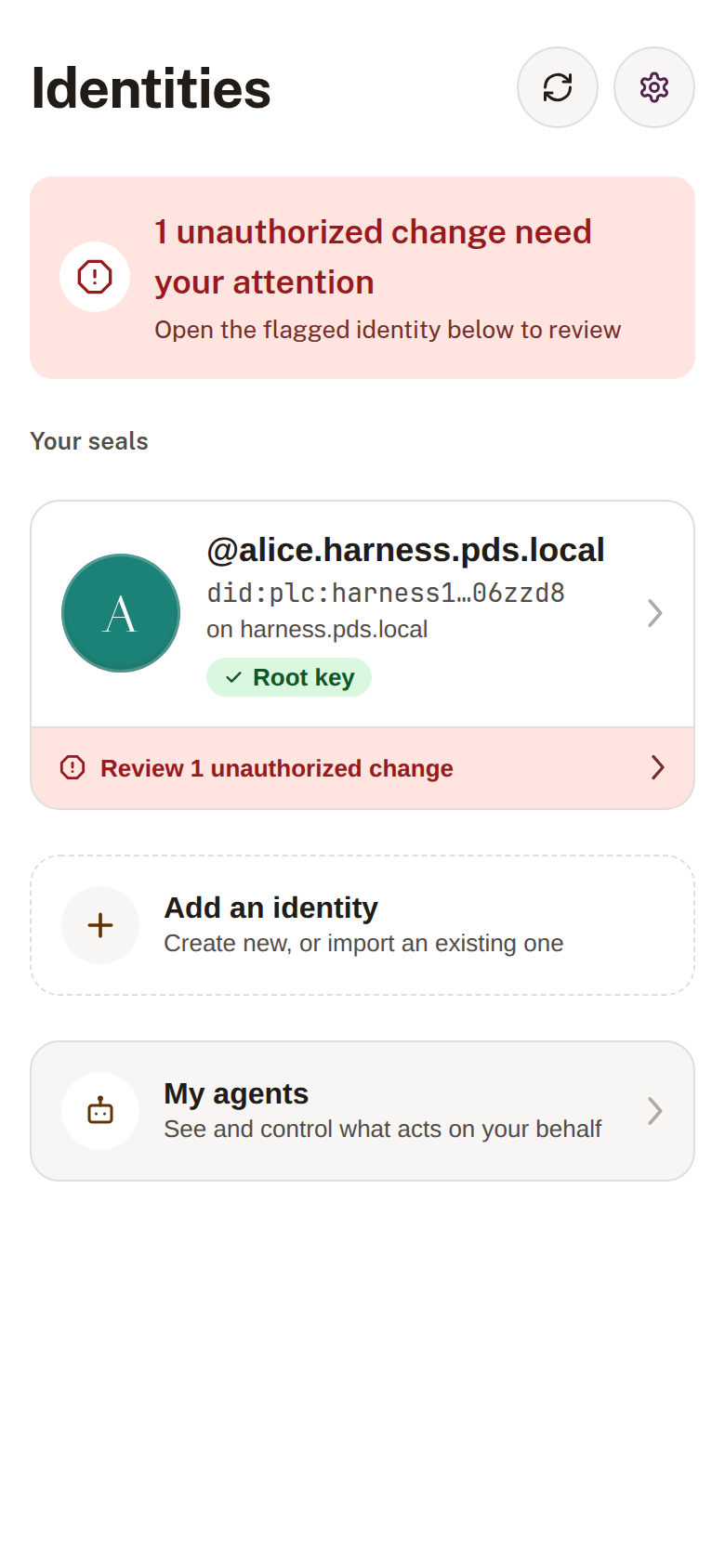
Obsign continuously checks that your identity document (your DID) still says what it should. If something changes that you didn’t initiate, Obsign tells you: in words, with an icon and a place in the list, never by color alone.
Reading a status
Section titled “Reading a status”Every identity shows a status. The status is always carried by text + icon + position, so it is legible without relying on color:
The 72-hour override
Section titled “The 72-hour override”ATProtocol’s PLC directory gives the higher-precedence key a 72-hour window to contest a change. Your device key sits at the top of that list (see Who holds the keys), so you hold that power:
- Obsign detects a contested change and starts the countdown.
- You review what changed, in plain language.
- If it was not you, you sign an override with your device key, and the change is reversed within the window.